Charging port repair
Laptop DC Jack Repair in Toronto
If your charger has to be held at an angle, the battery won't fill, or the laptop is dead when it's plugged in, the DC power jack is usually the culprit. We fix it at the board — often while you wait.
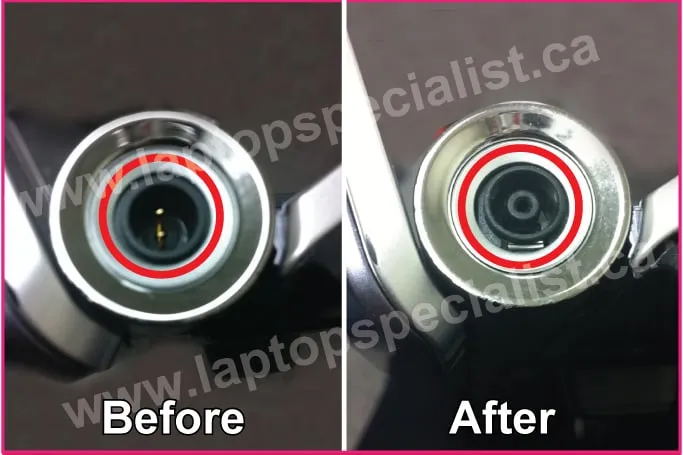
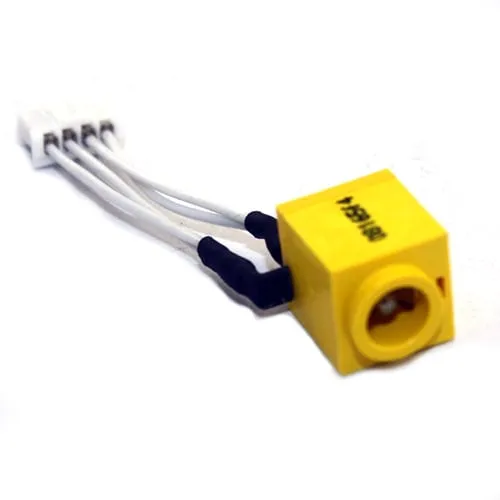
The DC jack is the little socket the charger plugs into, soldered to the laptop's motherboard. Every plug-in flexes it, and over the years it works loose or the solder joints crack.
Signs your DC jack is going
- Dead when plugged in — no lights at all. The jack's contact pins have broken away from the board.
- Battery won't charge, or only sometimes — the pins are still attached but have gone loose.
- Flickering lights when you wiggle the cord — the power and charge LEDs blink as you move the plug or adapter tip.
How we fix it
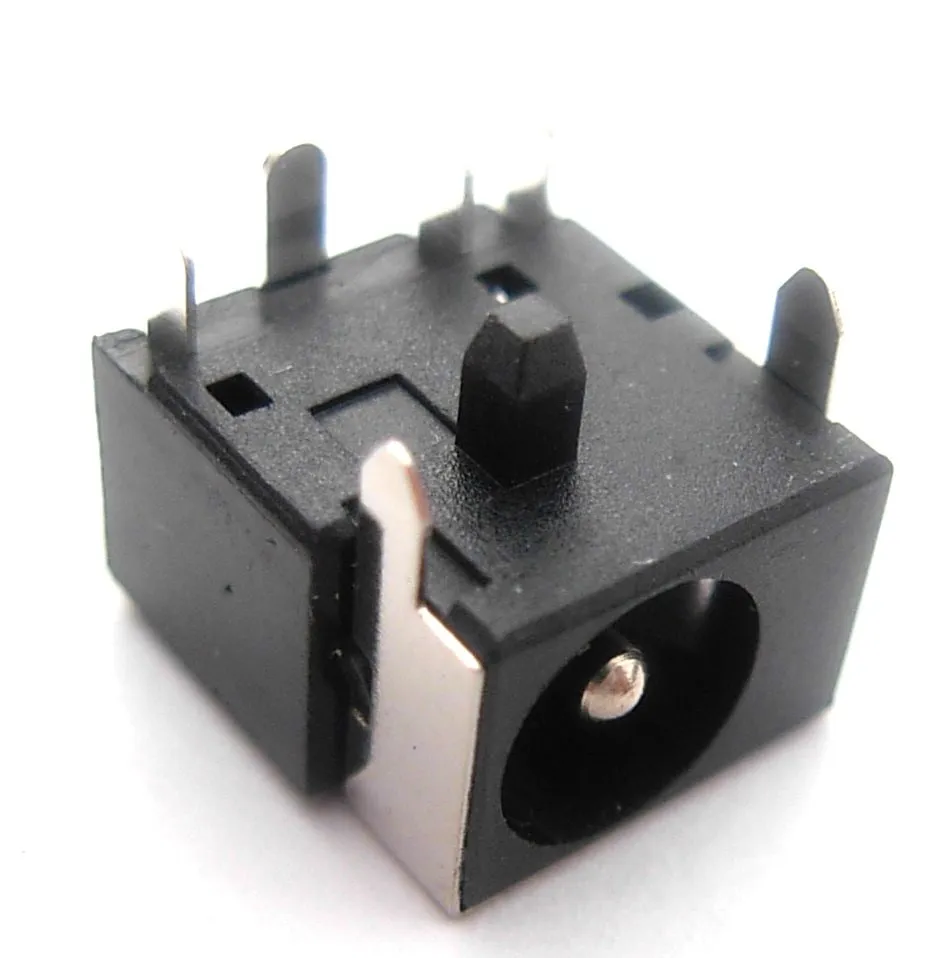
First we diagnose it, free. If the jack itself isn't broken, we re-solder it on both sides of the motherboard so it stops moving when you plug in. If the jack is physically broken, we replace it with a brand-new OEM DC jack — we keep the common ones in stock for Acer, Apple, Asus, Dell, Gateway, HP/Compaq, IBM/Lenovo, Sony and Toshiba.
Most DC jack repairs are done in about two hours, and every one is backed by our 90-day warranty.
Repair, not replace
A manufacturer will often quote more than $400 and a week or more to swap a whole board for this. A board-level jack repair is a fraction of that, same day — and if we ever find it isn't worth fixing, we'll tell you straight.
Real repairs
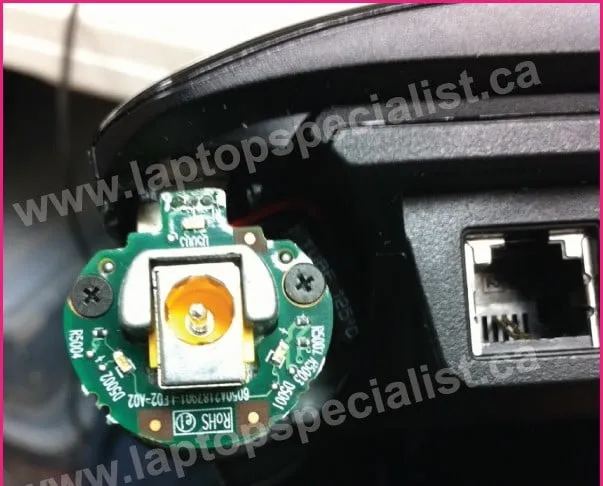
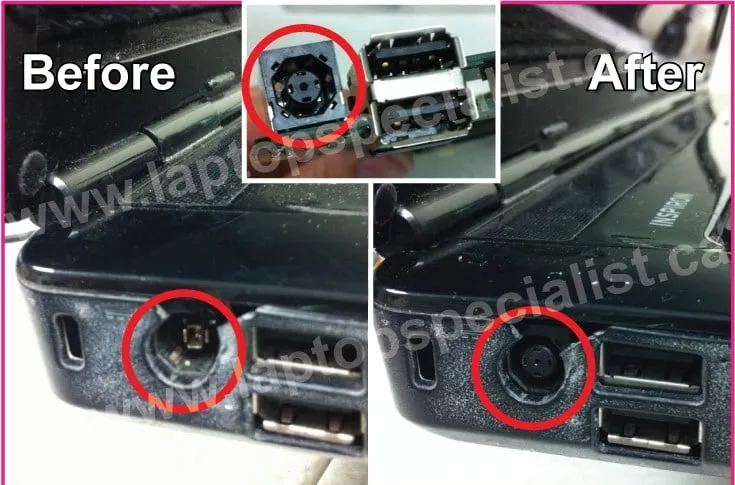
DC jacks we've brought back
Free estimate
Charger acting up? Let's take a look.
Tell us what's wrong and we'll reply with an estimate — usually the same day. Prefer to talk? Call and we'll walk you through it.
- Call (416) 918-6578 · (647) 298-6578
- Email info@laptopspecialist.ca
- Shop 2914 Sheppard Ave. East, Unit 204B, Toronto, ON M1T 3J4
- Hours Mon–Sat: 10am–6pm · Sun: Closed · Free parking